📚 Chrome Extension
Google Photos Album to PDF Book
Transform any Google Photos album into a beautiful, printable PDF photo book — with flexible layouts, elegant borders, captions, and a custom cover page. No design skills needed.
✓ 1, 2, 4 or 6 photos per page
✓ Print-ready PDF output
✓ 100% local — no uploads
✓ No account required
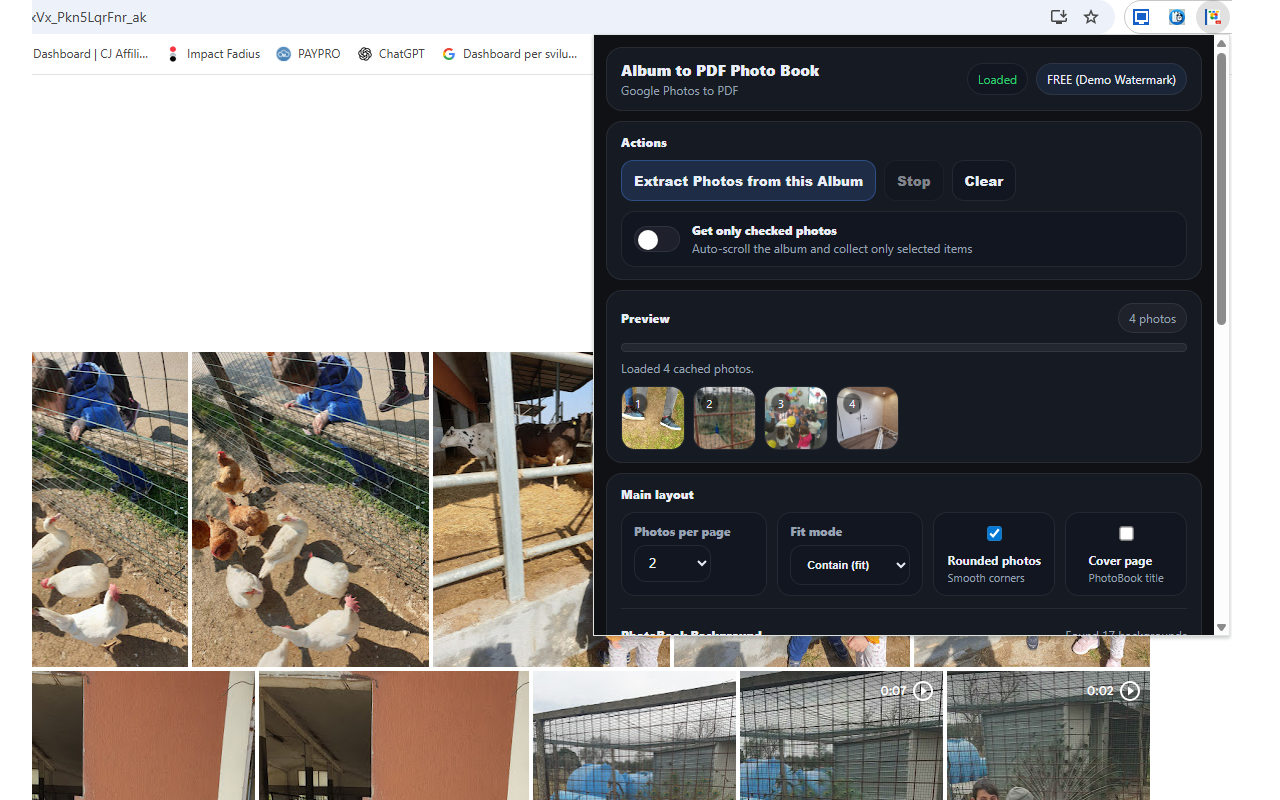
Extract photos → choose layout → generate print-ready PDF
About
Your Google Photos, Your Photo Book
Transform your Google Photos albums into beautiful PDF photo books 📚. With Album to PDF Book, you can create stunning, printable photo books from your precious memories in just a few clicks. This powerful Chrome extension extracts photos from any Google Photos album and transforms them into professionally formatted PDF documents ready for printing or digital sharing.
No more expensive photo book services or complicated design software. The extension handles everything automatically — extracting high-resolution photos, arranging them in elegant layouts, adding customizable borders and captions, and generating a print-ready PDF. Preview your photo book in real-time before downloading the final document.
One of the standout features is the flexible layout system 🎯. Choose how many photos to display per page: 1 photo for full-page impact, 2 photos for balanced layouts, 4 photos for compact albums, or 6 photos for maximum content. Each layout is professionally designed with proper spacing, margins, and alignment for beautiful results whether viewing on screen or printing.
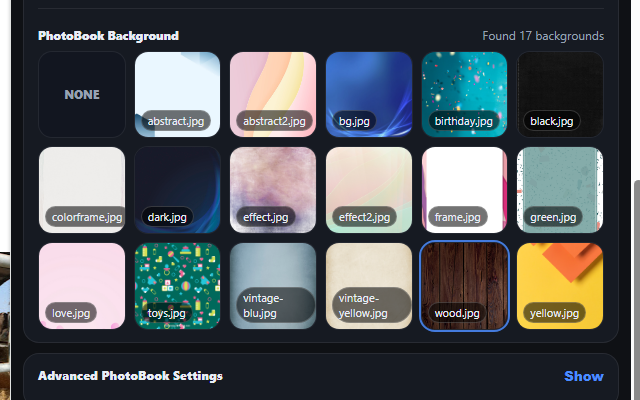
Customization options let you create the perfect photo book. Add elegant borders around your photos, include captions with photo names or custom text, choose portrait or landscape orientation, and select from multiple page sizes including Letter, A4, and Legal. Create a professional cover page with your album title and custom styling.
The generated PDFs are optimized for both digital viewing and high-quality printing. Photos are embedded at their original resolution for crisp, clear prints. Perfect for creating physical photo albums at home, sending to print services, or sharing digitally with family and friends.