🔧 Chrome Extension
Google Photos to Video Slideshow
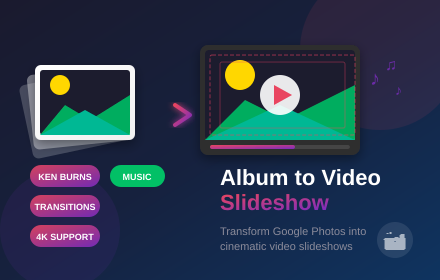
Extract photos from any Google Photos album and transform them into cinematic videos with Ken Burns effects, smooth transitions, background music, and up to 4K resolution — right in your browser.
✓ Ken Burns cinematic effects ✓ Up to 4K resolution ✓ Background music support ✓ 100% local — no uploads

Extract photos, apply Ken Burns effects, add music and export in 4K
About
Turn Google Photos Albums into Stunning Memories Videos
Transform your Google Photos albums into stunning video slideshows 🎬. With Album to Video Slideshow, you can create professional-looking videos from your photo memories in just a few clicks. This powerful Chrome extension extracts photos from any Google Photos album and transforms them into dynamic videos with cinematic Ken Burns effects, smooth transitions, and background music.
No more complicated video editing software or hours of manual work. The extension handles everything automatically — extracting high-resolution photos, applying professional motion effects, adding smooth transitions between images, and even syncing background music. Watch your slideshow come to life with real-time preview before downloading the final video.
One of the standout features is the Ken Burns effect 🎯, the same cinematic technique used by professional filmmakers. Choose from multiple motion styles: Zoom In, Zoom Out, Pan Left/Right/Up/Down, or combine them for dramatic effect. Use Alternate or Random modes to keep your slideshow dynamic and engaging. Each photo comes to life with smooth, professional camera movements.
Transitions between photos are equally impressive. Choose from Fade, Dissolve, Slide animations in four directions, Zoom transitions, or let the extension randomly mix them for variety. Add background music from built-in tracks or upload your own MP3 files. The audio automatically loops for longer slideshows and fades out smoothly at the end.
Export options give you full control over quality. Create videos in 720p, 1080p, 2K, or even 4K resolution. Choose your frame rate (24fps cinematic, 30fps standard, or 60fps smooth) and bitrate for the perfect balance between quality and file size. Videos are exported in high-quality WebM format, compatible with YouTube, Vimeo, social media, and all major platforms.