WhatsApp Status photos and videos are temporary, so a status you want to keep may disappear later. On WhatsApp Web, you can save individual items manually or use a browser workflow to preview and download multiple statuses.
1. Save one status
2. Save multiple statuses
3. Why statuses must be loaded
4. Responsible use
5. FAQ
Save one WhatsApp Status item
If you only need one image, the browser's normal save options may be enough. For video or multiple items, a dedicated status-saving workflow is more convenient.
Save multiple statuses from WhatsApp Web
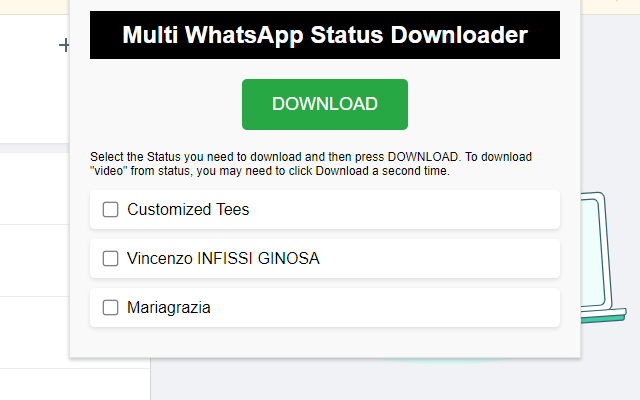
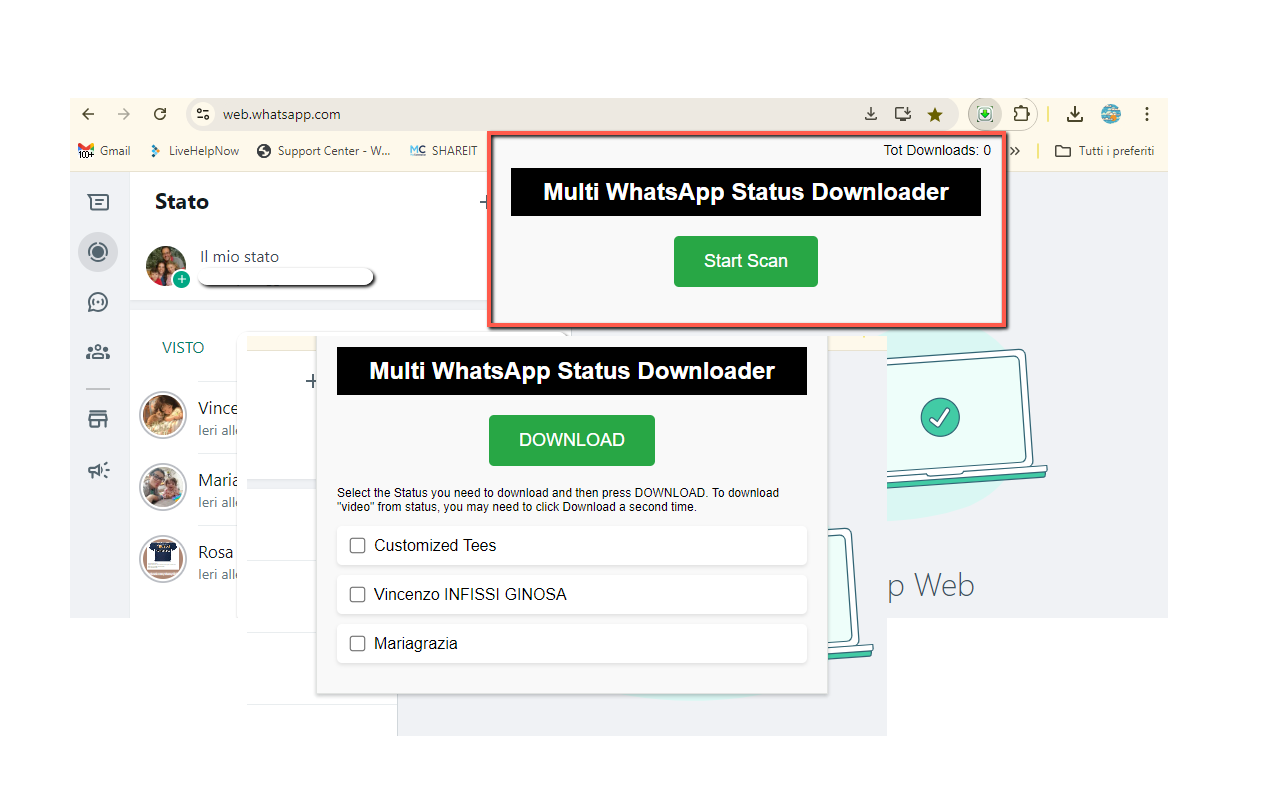
WA Status Saver scans statuses available in the current WhatsApp Web session, shows a visual preview and lets you choose which items to download. It supports photos, videos and batch saving.
Why the statuses must be loaded first
The extension can only work with statuses WhatsApp Web has made available to the current browser session. If a status has expired or is not available to your account, it cannot be retrieved.
Privacy and responsible use
Status content belongs to the person who posted it. Save or share it only when appropriate and with respect for privacy and copyright.
Frequently asked questions
Can I save WhatsApp Status videos?
Yes. The current product supports photo and video statuses.
Can I download several statuses at once?
Yes. The product supports batch downloading.
Want a dedicated Chrome tool?
OnlineGratis also develops WA Status Saver for this task.
View WA Status Saver