
PDFinFLIP - PDF to Flipbook
Turn a PDF into an interactive browser flipbook with page-turn animation, double-page view, zoom controls, fullscreen viewing and HTML export.
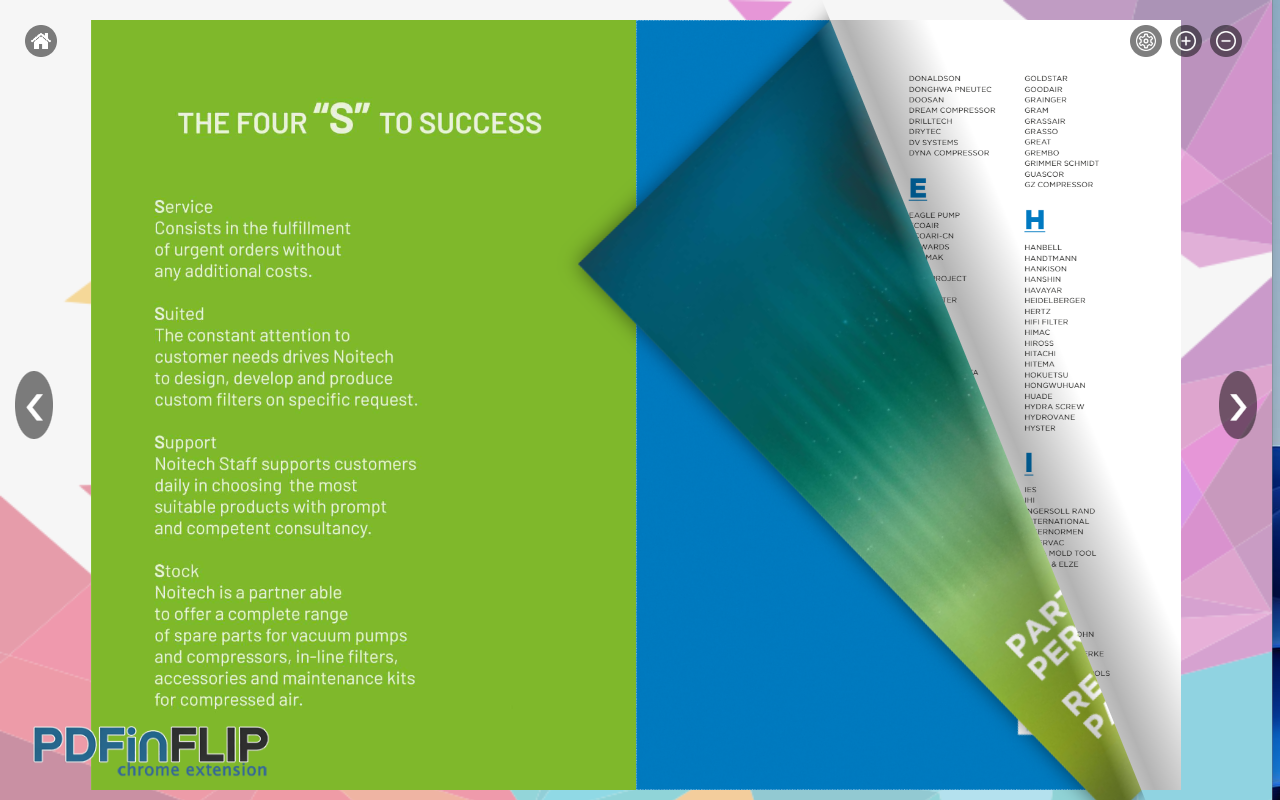
PDFinFLIP converts a normal PDF into an interactive flipbook that can be viewed in the browser with a page-turn effect. It is designed for documents such as catalogs, magazines, portfolios, reports, brochures and presentations where a visual page-flipping experience is preferred over a standard PDF viewer.
What is a PDF flipbook?
A PDF is normally displayed as a sequence of static pages. A flipbook adds a more visual reading interface, with page-turn animation, navigation controls and optional two-page viewing. The underlying document content does not become a different publication format; PDFinFLIP creates an interactive viewer around the uploaded PDF.
How to convert a PDF to a flipbook
- Install PDFinFLIP from the Chrome Web Store.
- Open the extension and choose the PDF you want to view.
- Wait for the document to be prepared in the browser.
- Use the page-turn interface, zoom and navigation controls.
- Open the flipbook in a separate window for a larger view.
- When supported by your workflow, export the flipbook as an HTML file.
PDF vs flipbook: when to use each
| Flipbook view | |
|---|---|
| Best for printing, sharing and document compatibility | Best for a more visual reading or presentation experience |
| Uses a conventional page viewer | Adds page-turn animation and interactive navigation |
| Simple and universally recognized | Useful for catalogs, portfolios, brochures and magazines |
Main features
- Interactive page-flip animation.
- Optional page-turn sound.
- Single-page and double-page viewing.
- Zoom and fullscreen controls.
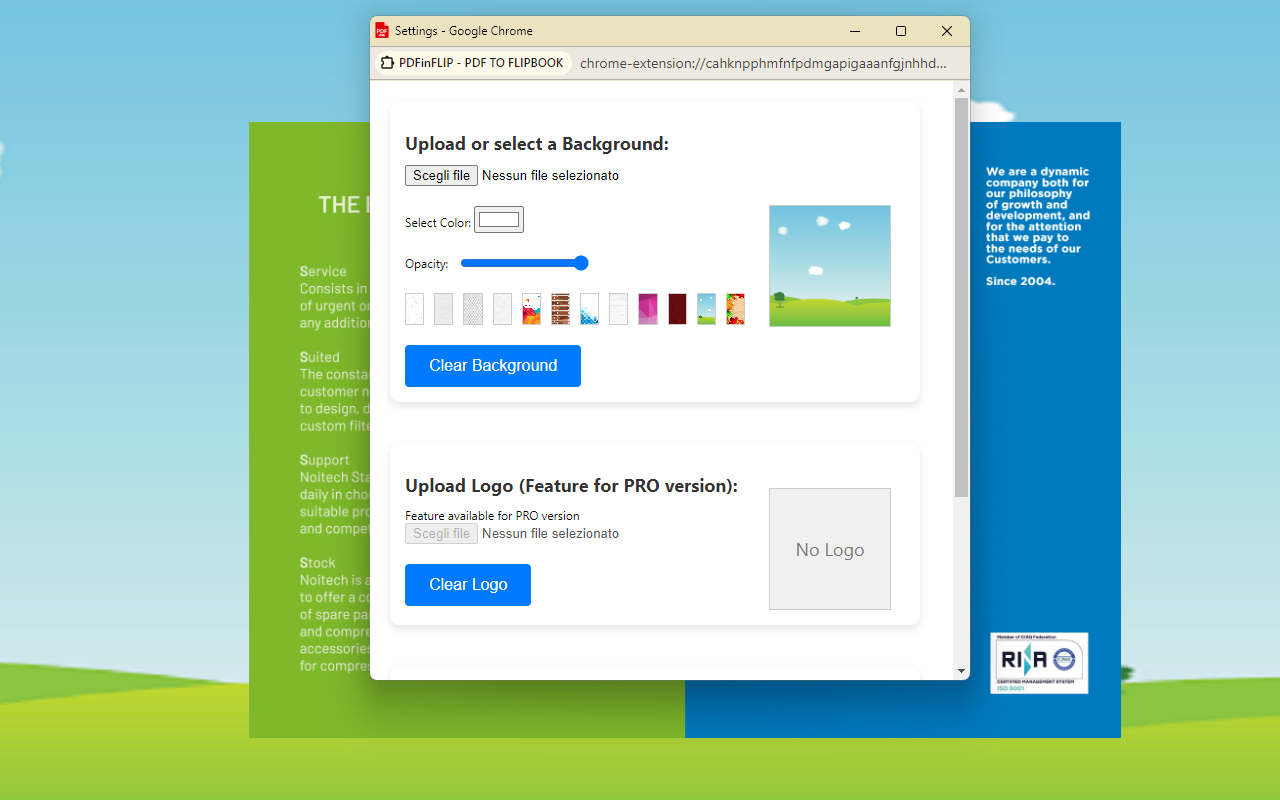
- Custom background options.
- Bookmark control for document navigation.
- HTML export for supported use cases.
Why convert a PDF to an interactive viewer?
A flipbook can make a document feel more like a digital magazine or catalog when it is being presented on screen. This can be useful for portfolios, product catalogs, teaching material, event brochures or other documents where visual navigation matters more than editing the original PDF.
Important limitations
A flipbook viewer does not improve the resolution of the original document. If the PDF contains low-resolution images, the flipbook will display the same source quality. Very large PDFs can also take longer to load and use more browser memory.
📷 Screenshots
FAQ
Does PDFinFLIP modify my original PDF?
The product page describes a browser-based flipbook workflow around the selected PDF. Keep the original PDF separately if you need the source document unchanged.
Can I use it for catalogs and magazines?
Yes. Those are typical use cases for an interactive flipbook presentation.
Can I export the result?
The product includes an HTML export option for supported workflows.
Will the flipbook look sharper than the original PDF?
No. Output quality is limited by the source PDF.